LMS Administration

Overview

As a part of the Customer Education team at PowerSchool, I am one of several team members with administrative access to our SAP Litmos learning management system—which serves our customers and internal employees. Additionally, I am an administrative user of our PowerSchool Learning LMS, which serves as a resource to our product trainers.

My Roles and Experience

In my role as an administrator for our SAP Litmos LMS, I perform the following tasks:

  • Create double randomized exams with question banks, and automated email reminder notifications
  • Manage the 25+ certification exams in the system
  • Evaluate exam quality by running exam reports to analyze student responses to individual exam questions


In my role as an administrator for our PowerSchool Learning LMS, I perform the following tasks:

  • Create and manage teacher and student user accounts in the system
  • Create and manage content in the system
eLearning Authoring Tools

Evaluation

Evaluation and Feedback

To improve our customer-facing curriculum, our team relies on customer and trainer feedback. We have several ways that we collect feedback on the curriculum that we develop, and we include feedback throughout the curriculum development process.

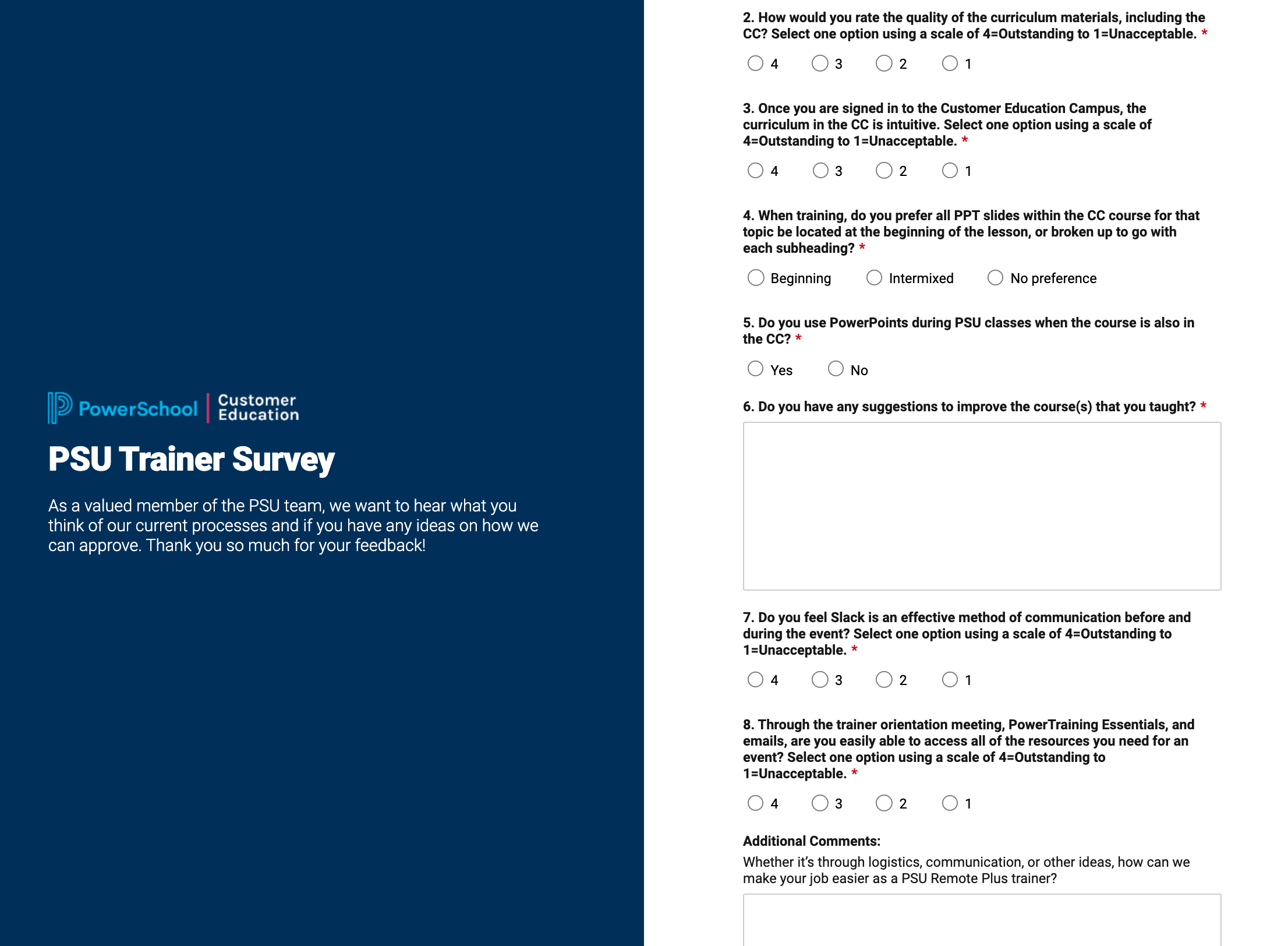
  • Trainer Surveys – We have surveys created specifically for trainer feedback on our instructor led curriculum. Our trainers provide us with valuable information that helps us adjust the amount of content and the content topics.
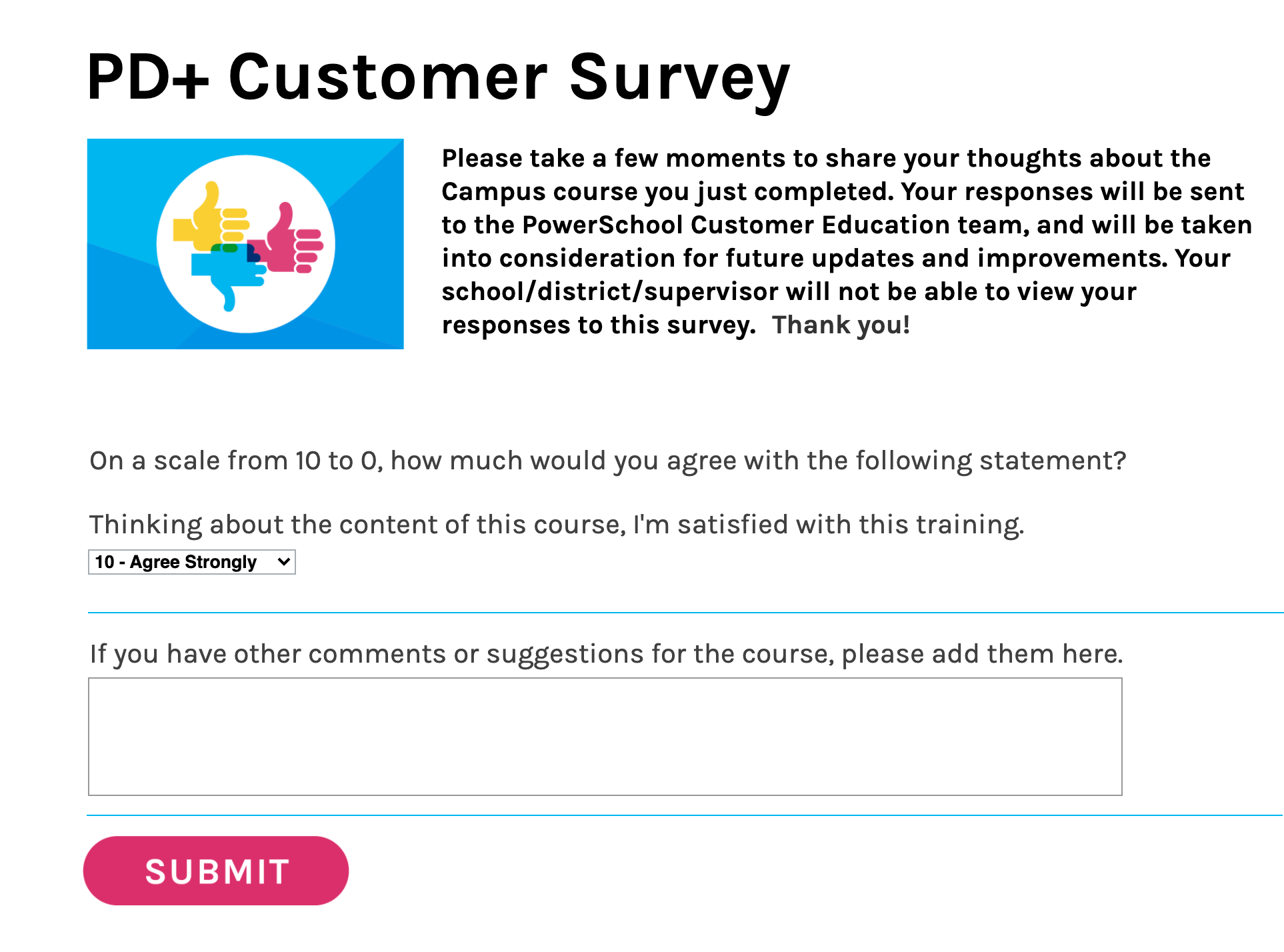
  • Customer Surveys – We have several surveys created to collect curriculum feedback from our customers. For our self-paced curriculum, we include a survey at the end of the learning experience. For our user-conferences and other instructor led events, customers can evaluate their learning experiences through our customer portal.

When we update and revise our curriculum throughout the year, we review trainer and customer feedback to improve our content.

eLearning Development

Curriculum Development

Curriculum development is one of the core areas of my job as an instructional designer. I’ve written and developed a range of instructor led training content, self-paced distance learning content, and assessments. In many cases, I have worked with subject matter experts (SMEs) on curriculum development projects to ensure that the content is accurate and high quality. However, I have also had to develop curriculum without a specific SME—blending information from a range of sources into instructionally sound content. 

I develop curriculum for the following audiences:

  • Instructor led training (ILT) (3 hour training sessions)
  • Product certifications (Multi-day training sessions)
  • Product certification assessments
  • Self-paced distance learning videos (2-10 minutes)


Tools that I use with curriculum development:

  • Microsoft Word
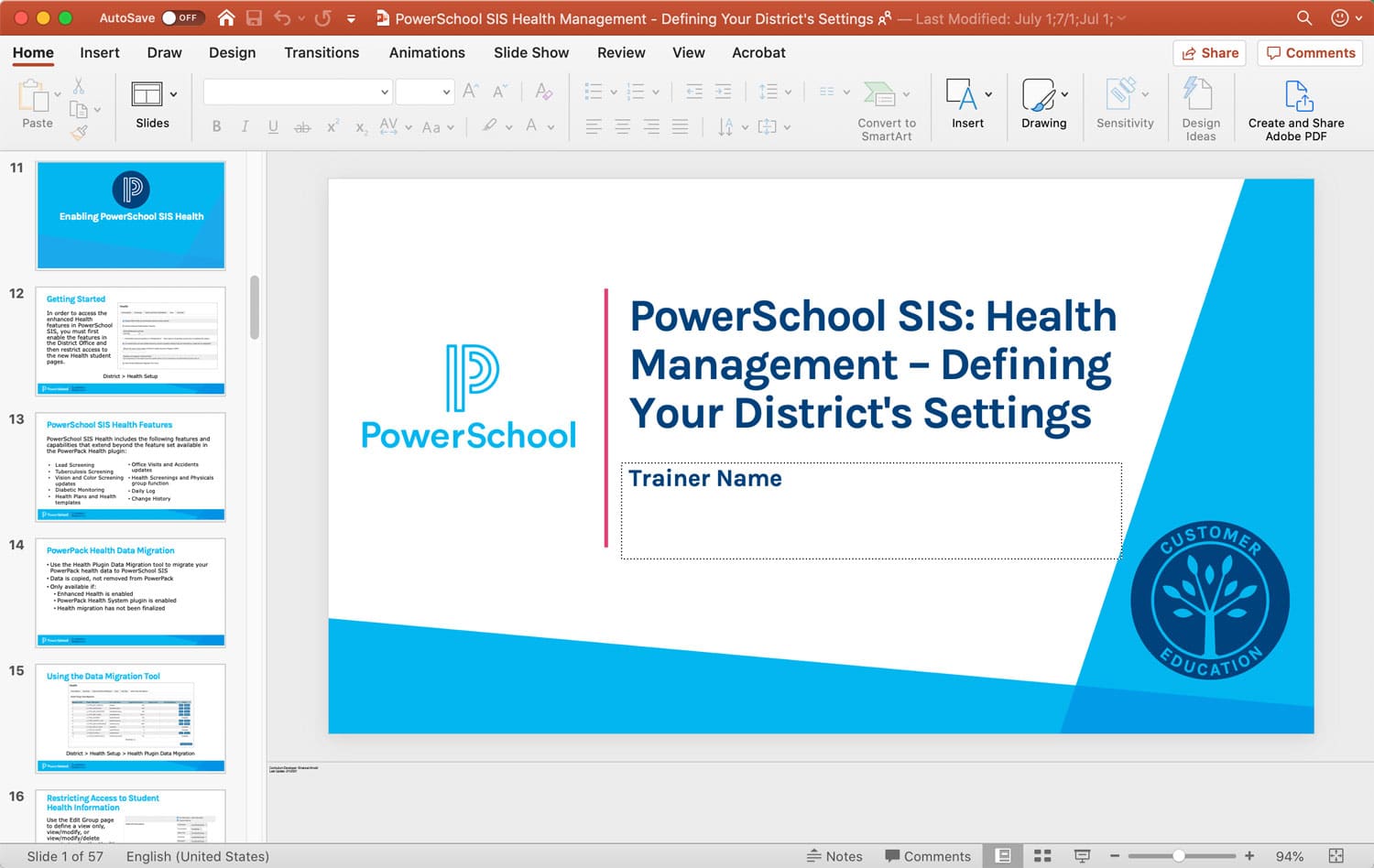
  • Microsoft PowerPoint
  • TechSmith Snagit (image capture)
  • SharePoint (document management and versioning)
  • JIRA (project management and time tracking)

Agendas

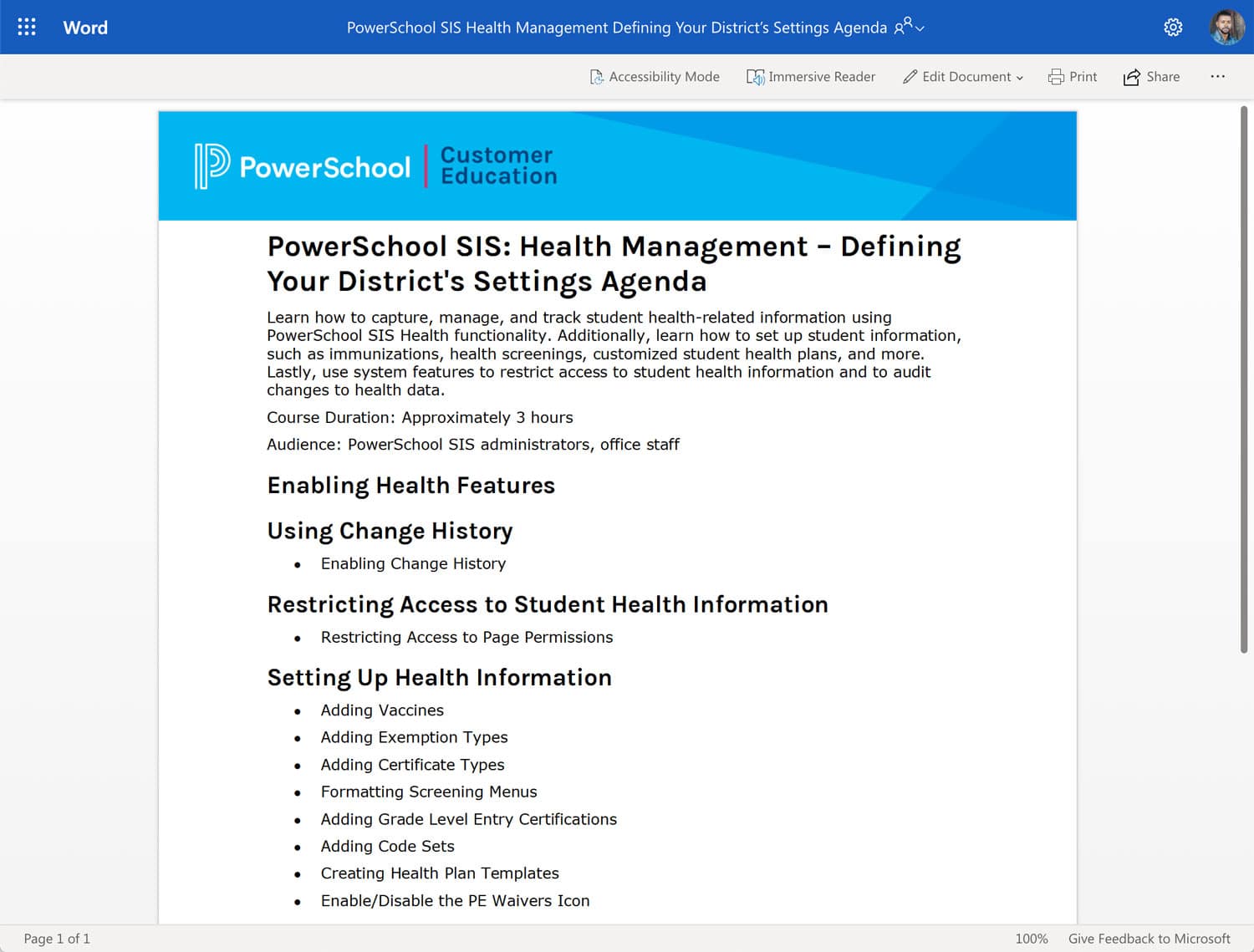
In my current role as a Sr. Instructional Designer for PowerSchool, we design customer-facing curriculum. Once we have defined a training need, our curriculum development process begins with an agenda. In this phase, I summarize the key topics and subtopics (heading 1, heading 2, and heading 3 titles) that will be in the curriculum. Additionally, I include information about the target audience and a description of the curriculum.

Source Documents

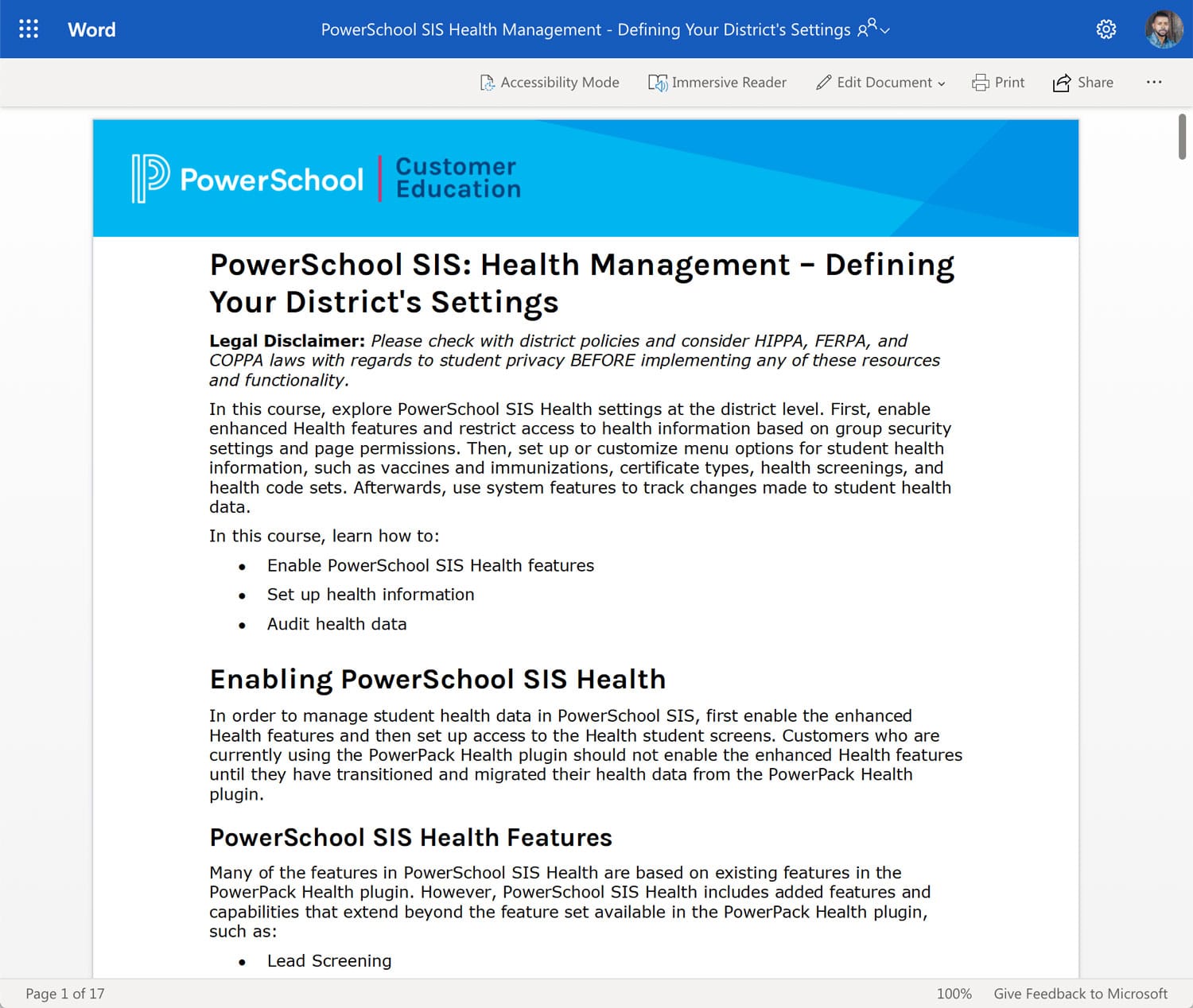
After key stakeholders review and approve the agenda, I create a source document(s) to contain the instructional content. The source document can range in size and format based on the type of instruction. The source document plays an important role in the life cycle of an instructional resource because it retains the history of changes made to the document (using a document management system like SharePoint). 

Examples of source documents that I have created include:

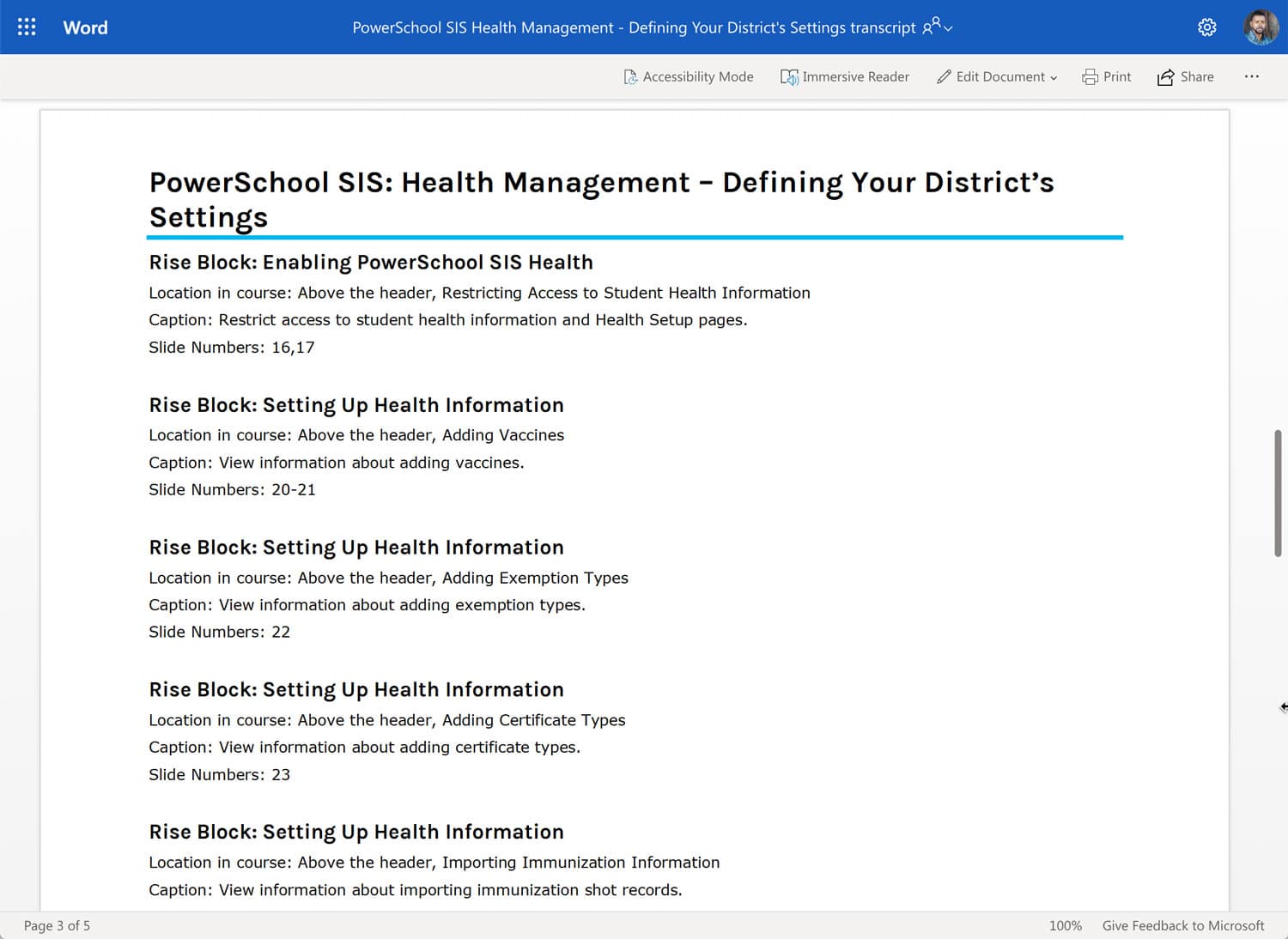
  • Workbooks
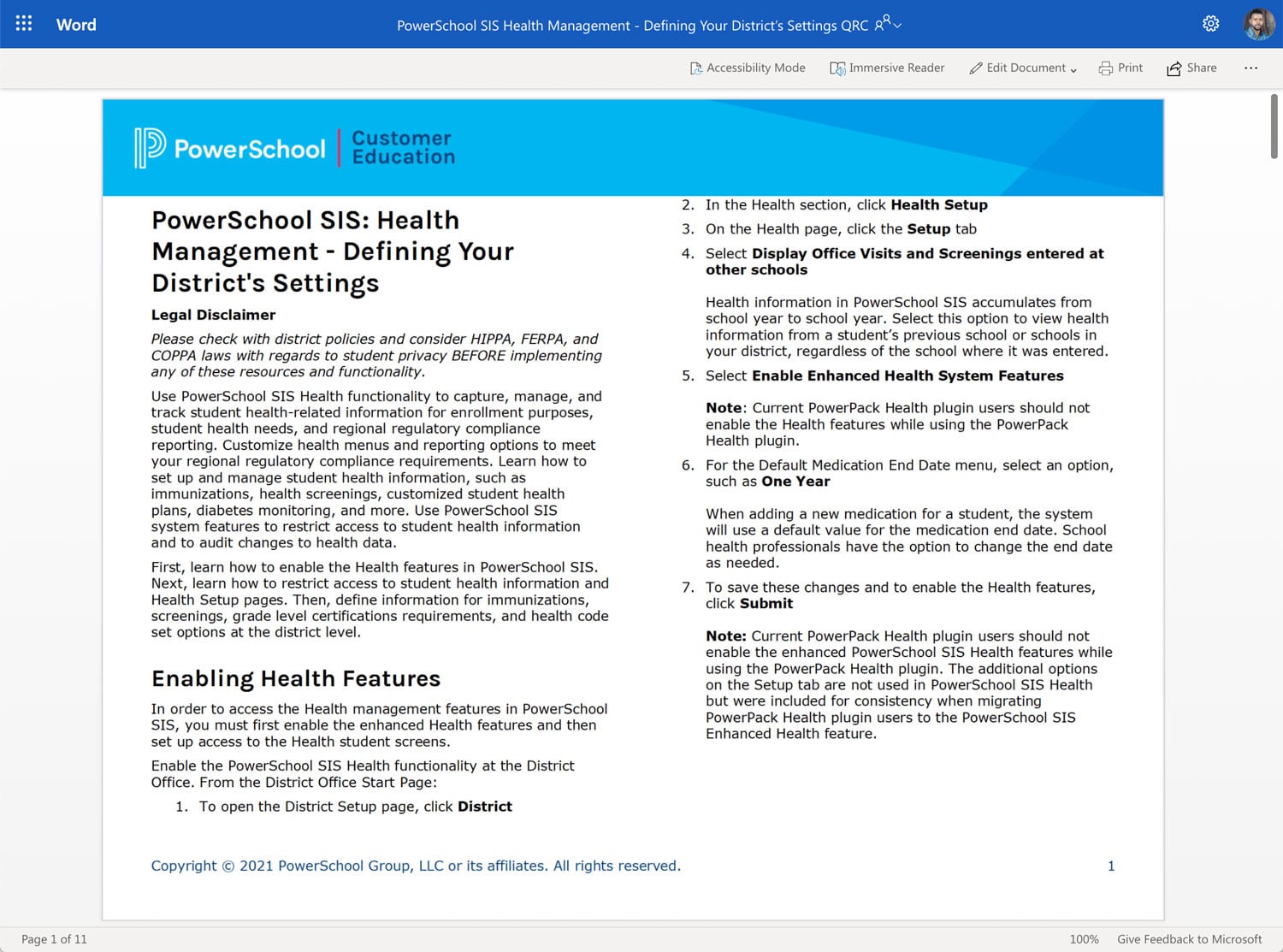
  • Job aids and quick reference cards
  • Instructor led resources (presentations and handouts) for conferences
  • Curriculum for instructor led courses (3+ hours of content)
  • Curriculum for self-paced distance learning courses and modules

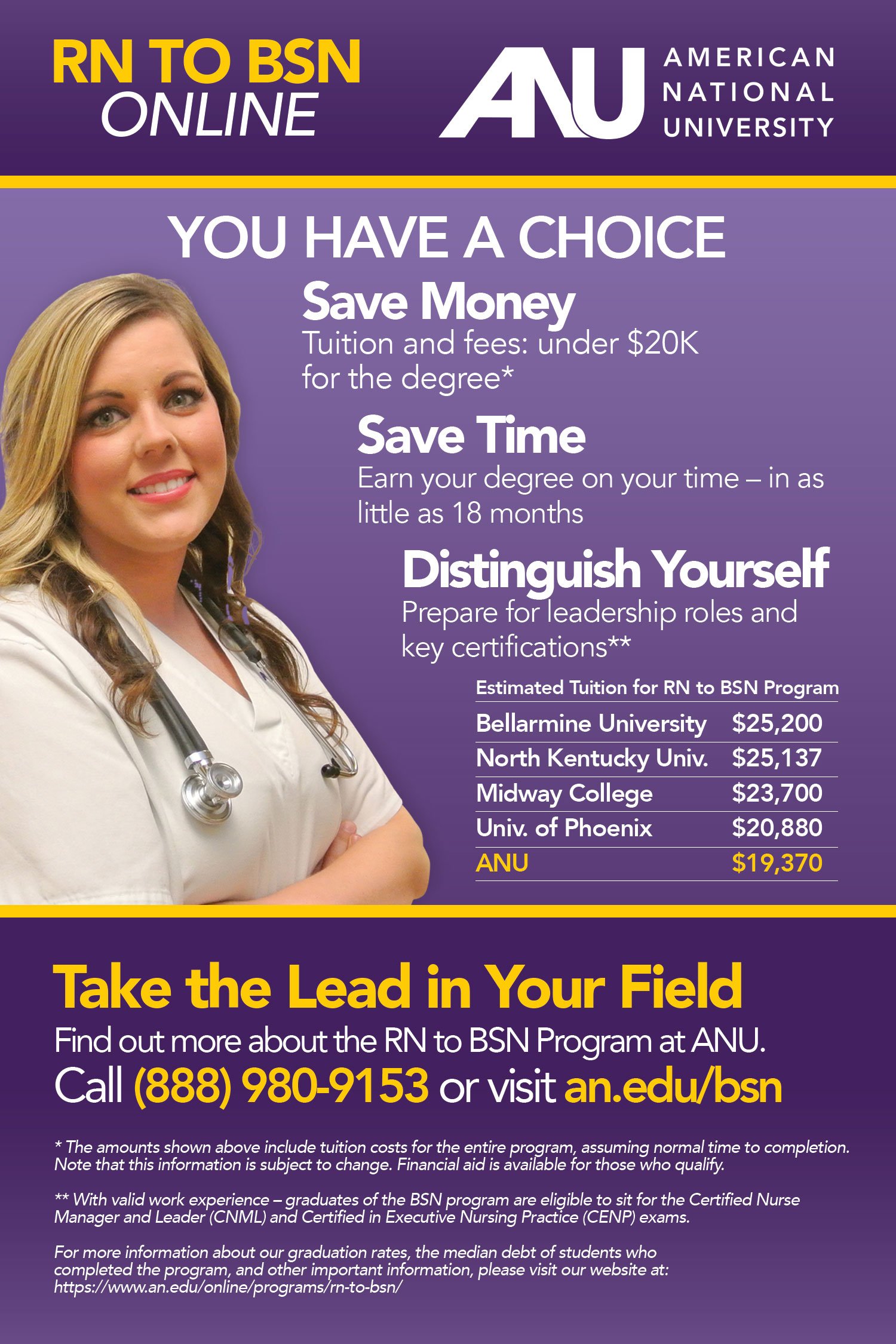
Print: ANU Nurse Ad

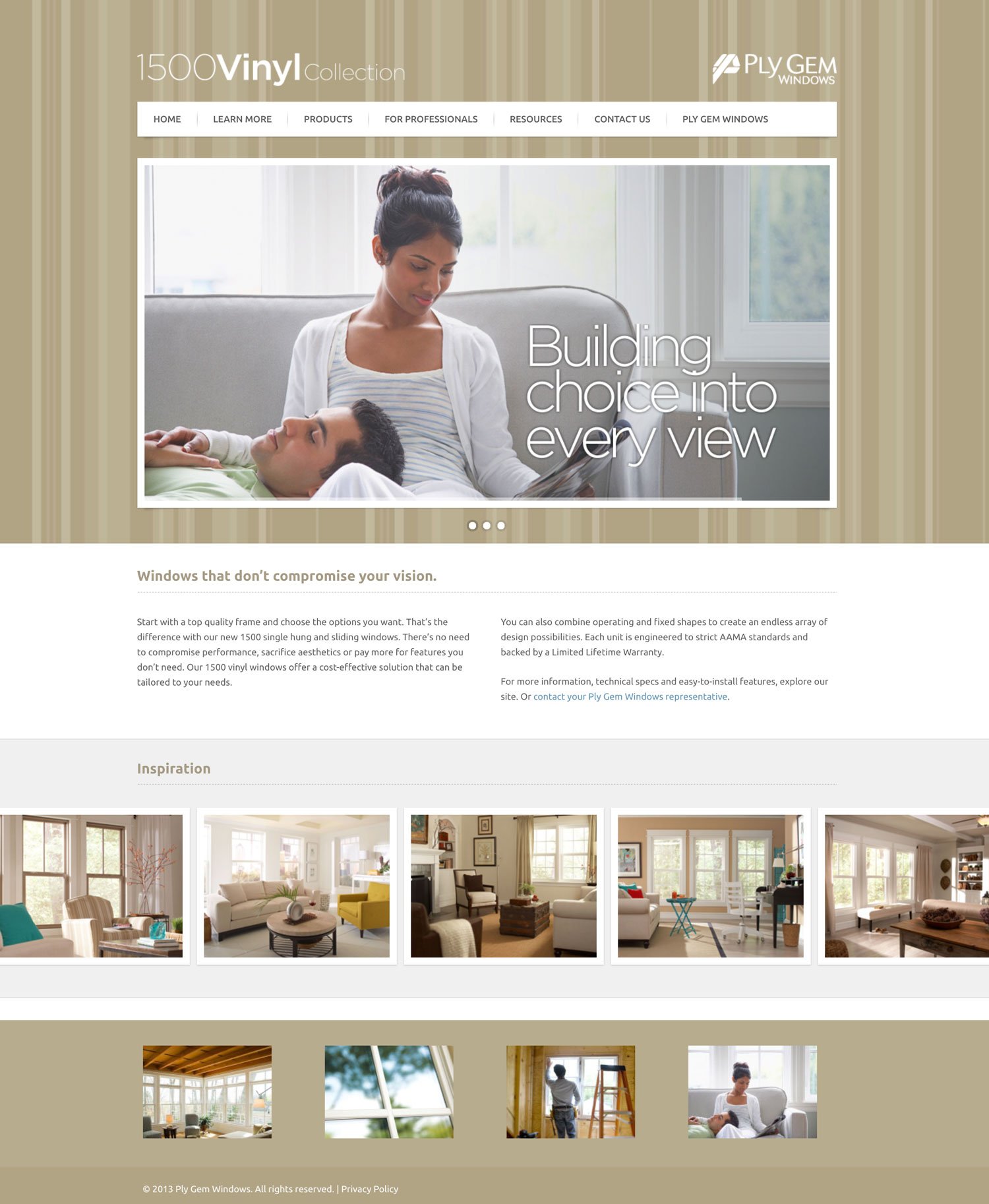
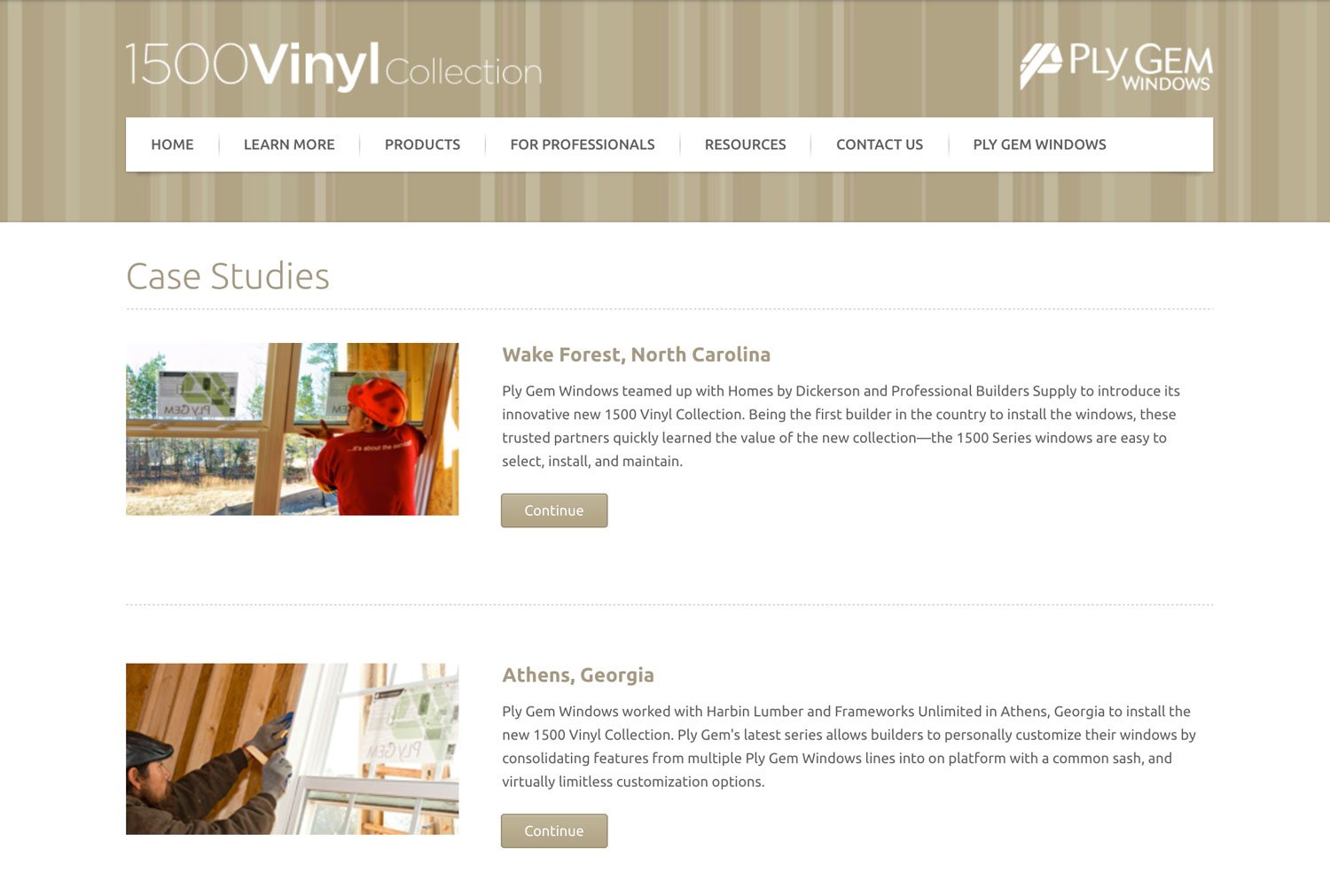
Web: 1500 Vinyl

Overview

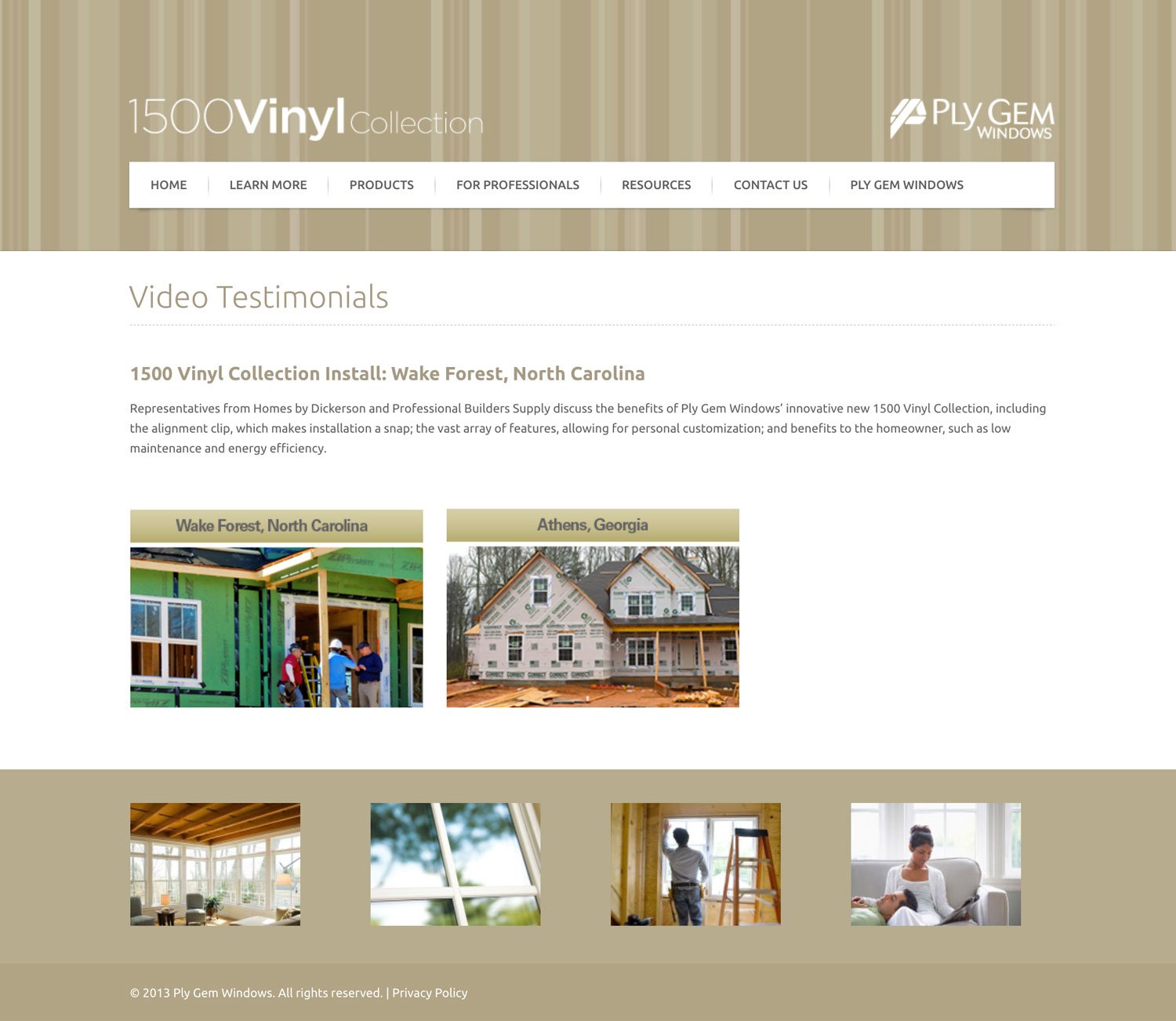
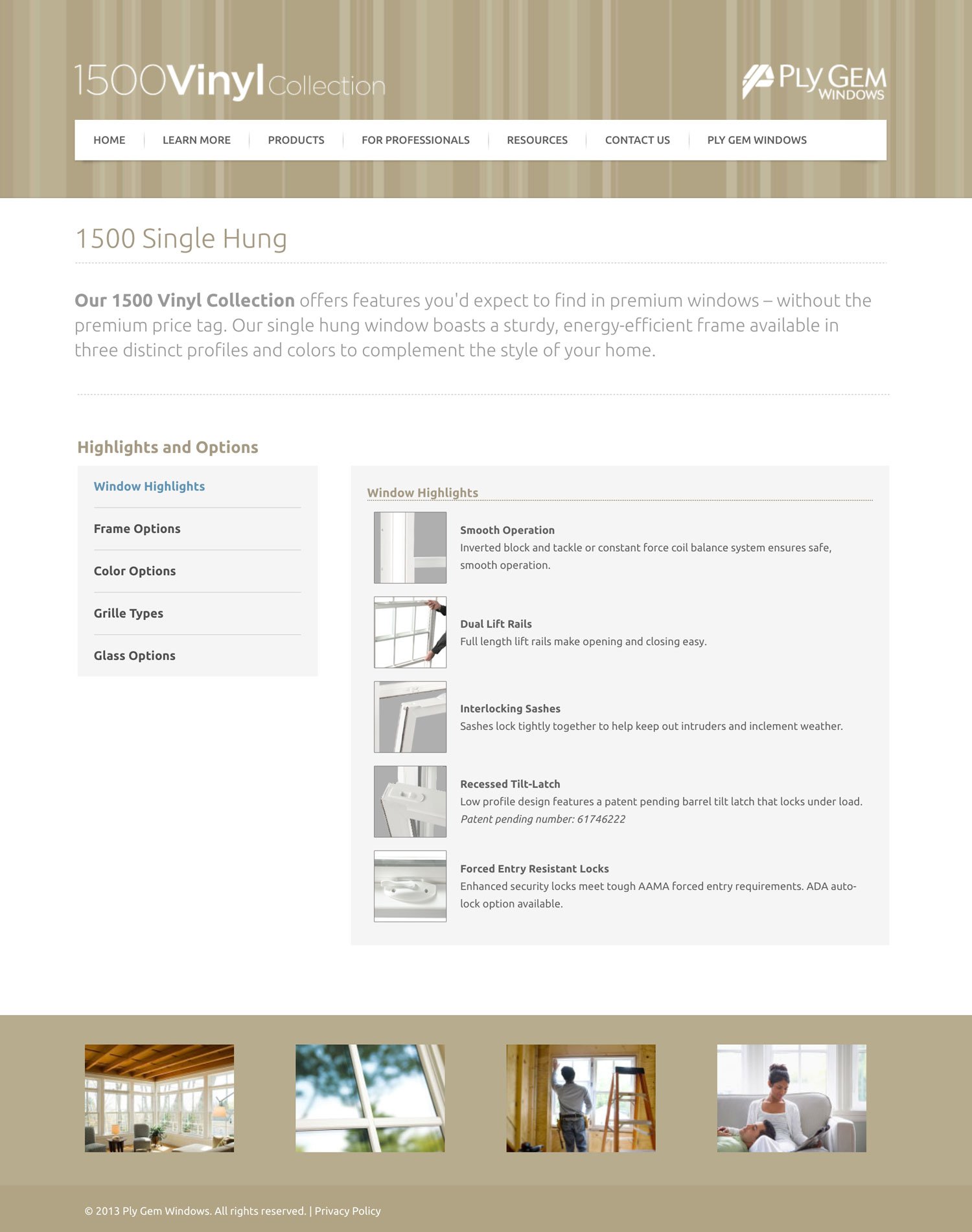
As a part of the Ply Gem Windows marketing team, I was tasked with creating a microsite to support the 1500 Vinyl Collection product line of windows and doors. The website included a variety of resources such as brochures, videos, and other support information.

Key Challenges

For this project, I wanted to create a custom website that fit the brand of the product line. After several design iterations, I came up with a design that the marketing team approved.

My Approach

I used the ExpressionEngine platform to create this custom website. The addition of product images, videos, and downloadable brochures made the website a valuable resource and successful project.

Project Details

Tools used: ExpressionEngine, Adobe Photoshop, iMac

Web: Multilingual Microsite

Overview

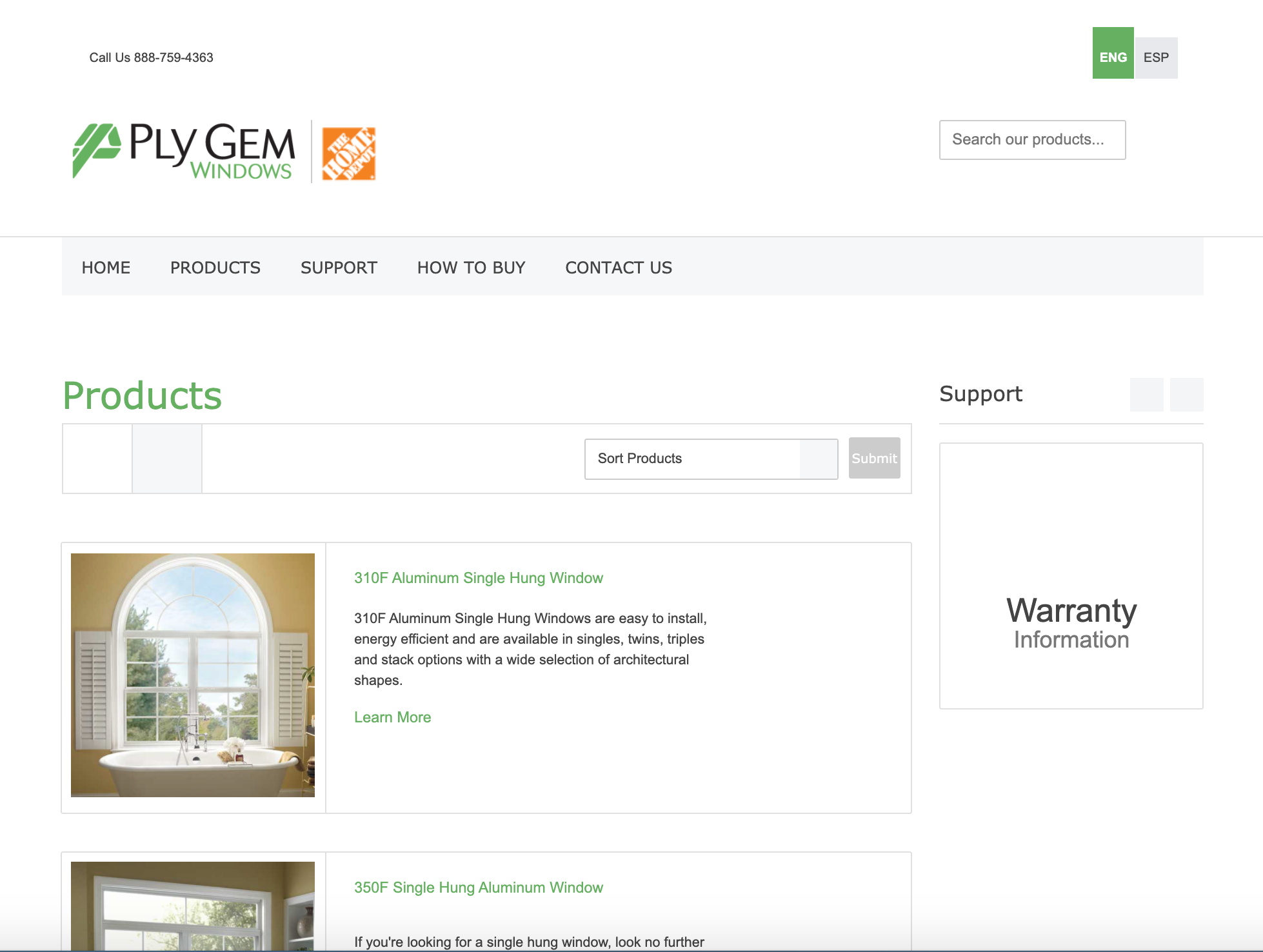
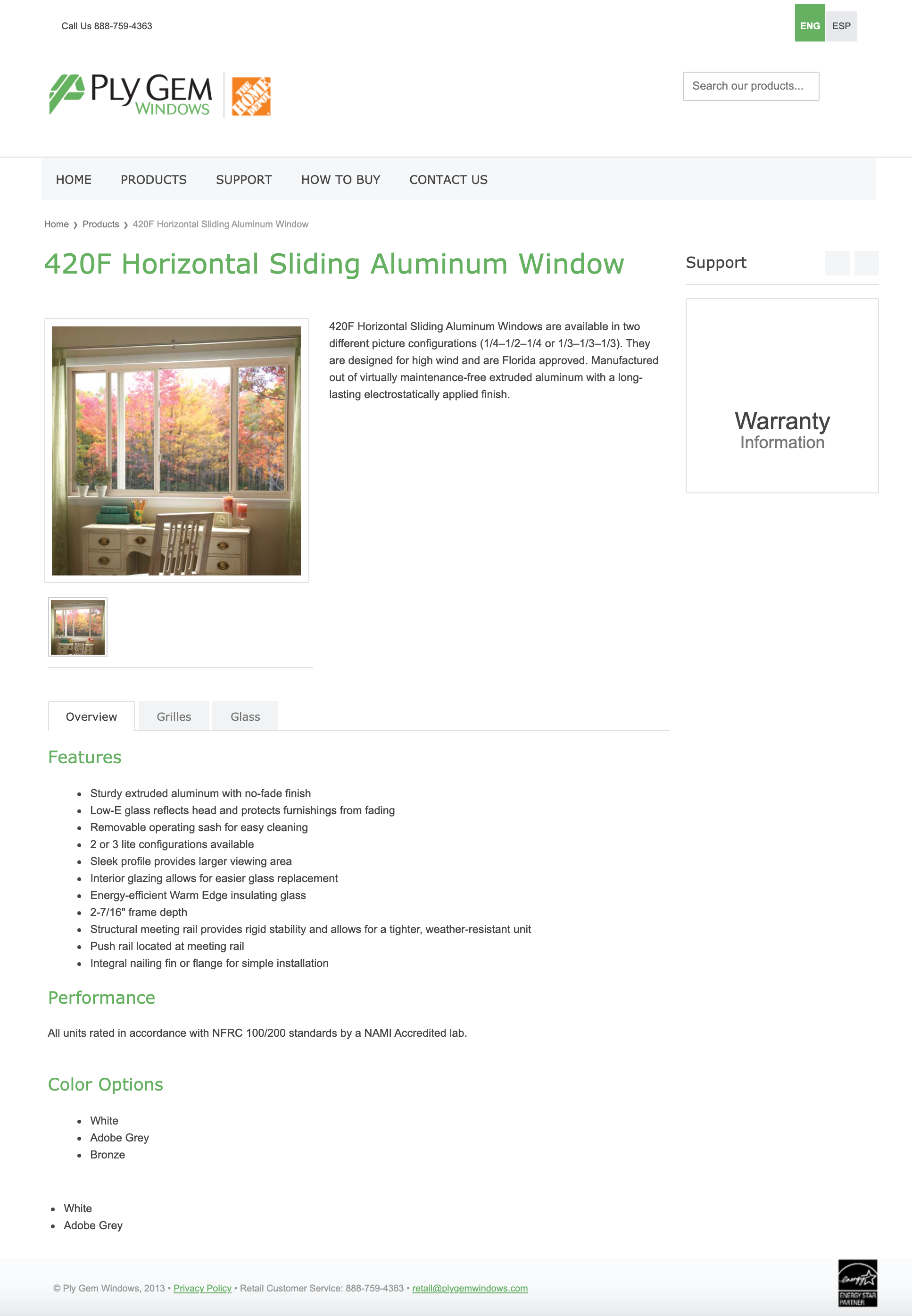
As a part of the Ply Gem Windows marketing team, I was tasked with building a microsite of our products for use with Home Depot customers.

Key Challenges

This project was unique because we wanted the microsite to be multilingual—available in English and Spanish.

My Approach

This was my first multilingual website, but I was up for the task. Our marketing team worked with a translation service to translate our website copy into Spanish. With the ExpressionEngine platform, I created a completely custom website with English and Spanish translations throughout the website. I had access to a large catalog of professional quality product images as well. The website looked great and worked beautifully.

Project Details

Tools used include: ExpressionEngine, Adobe Photoshop, iMac

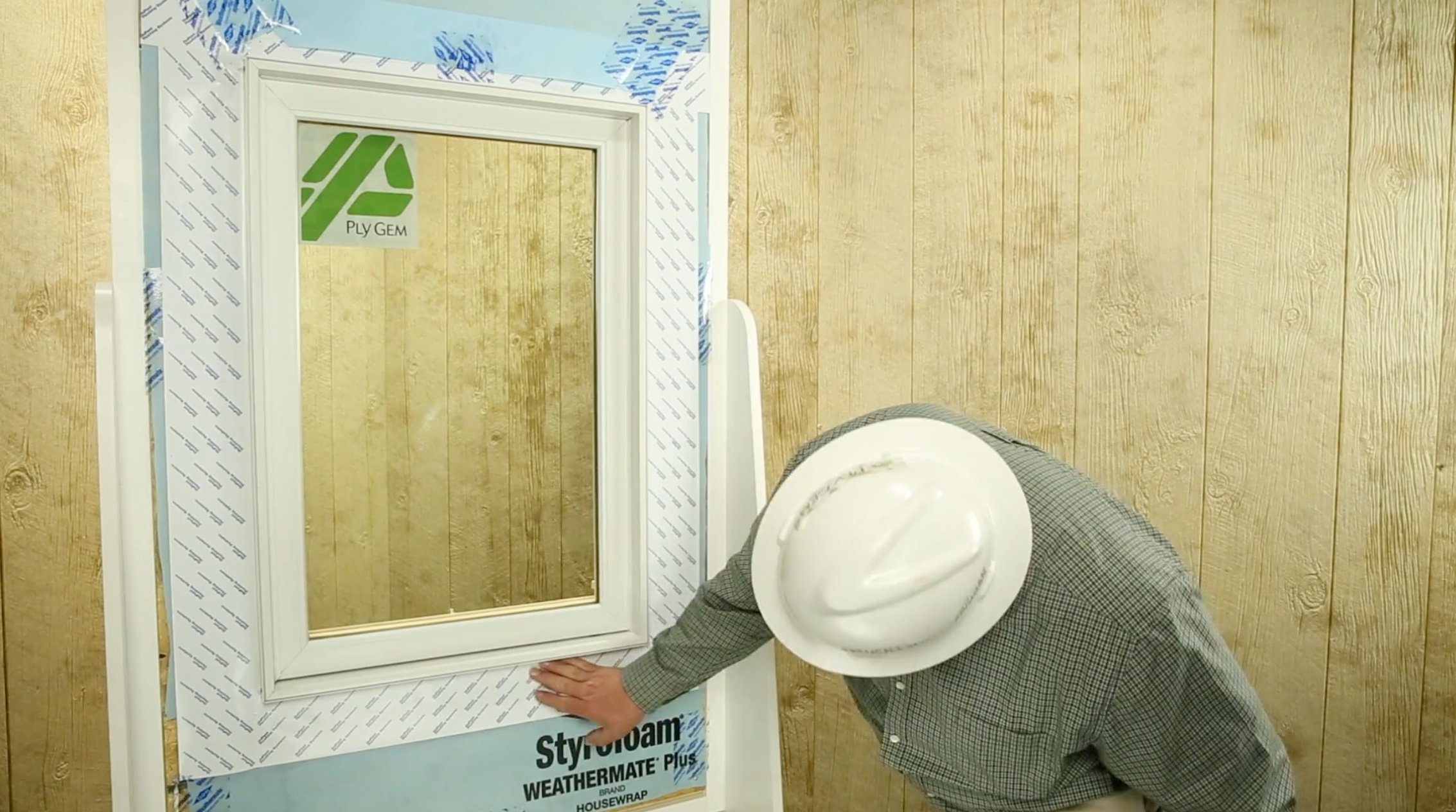
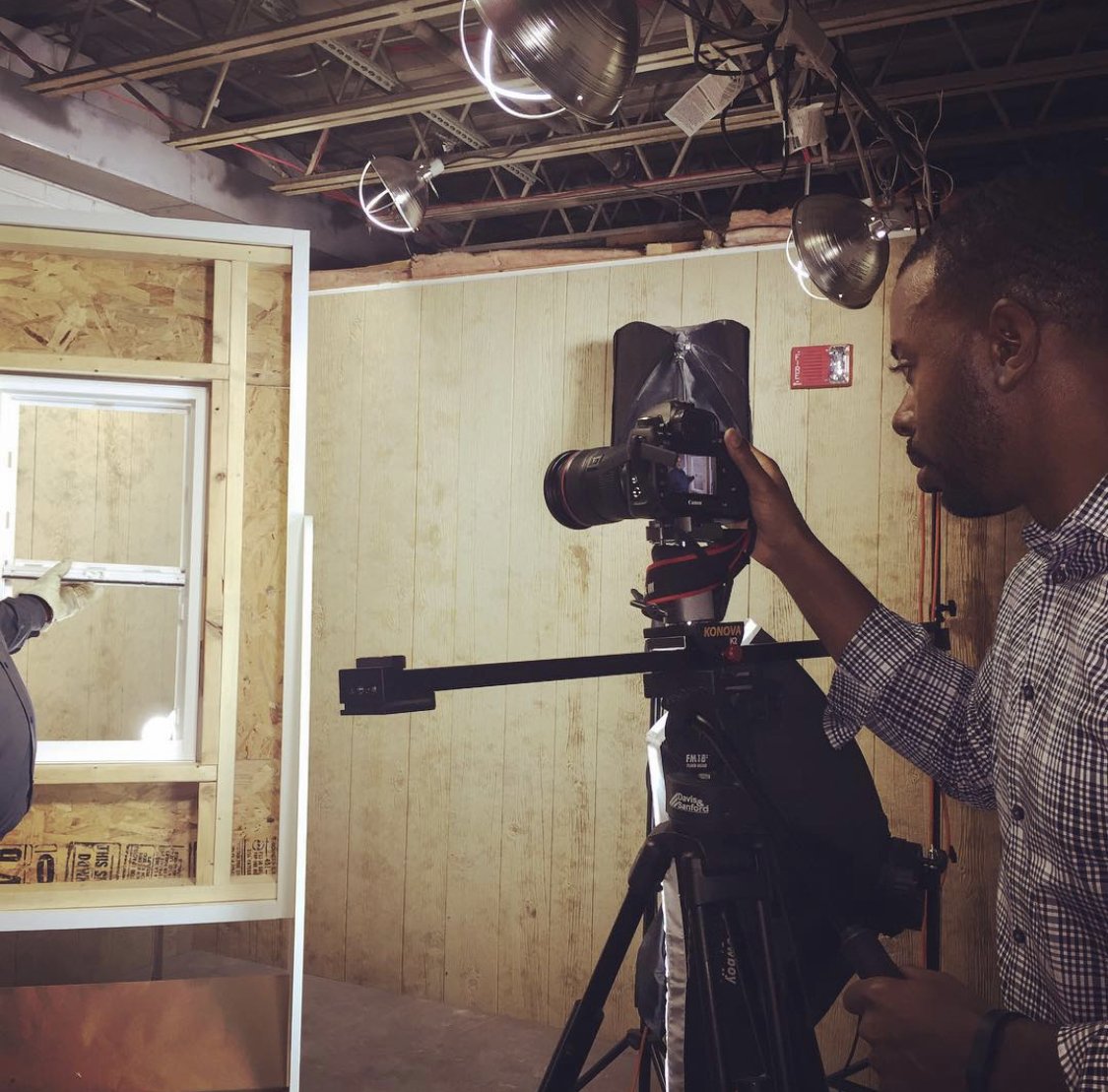
Video: Trim Installation

Video: ASM Lambo